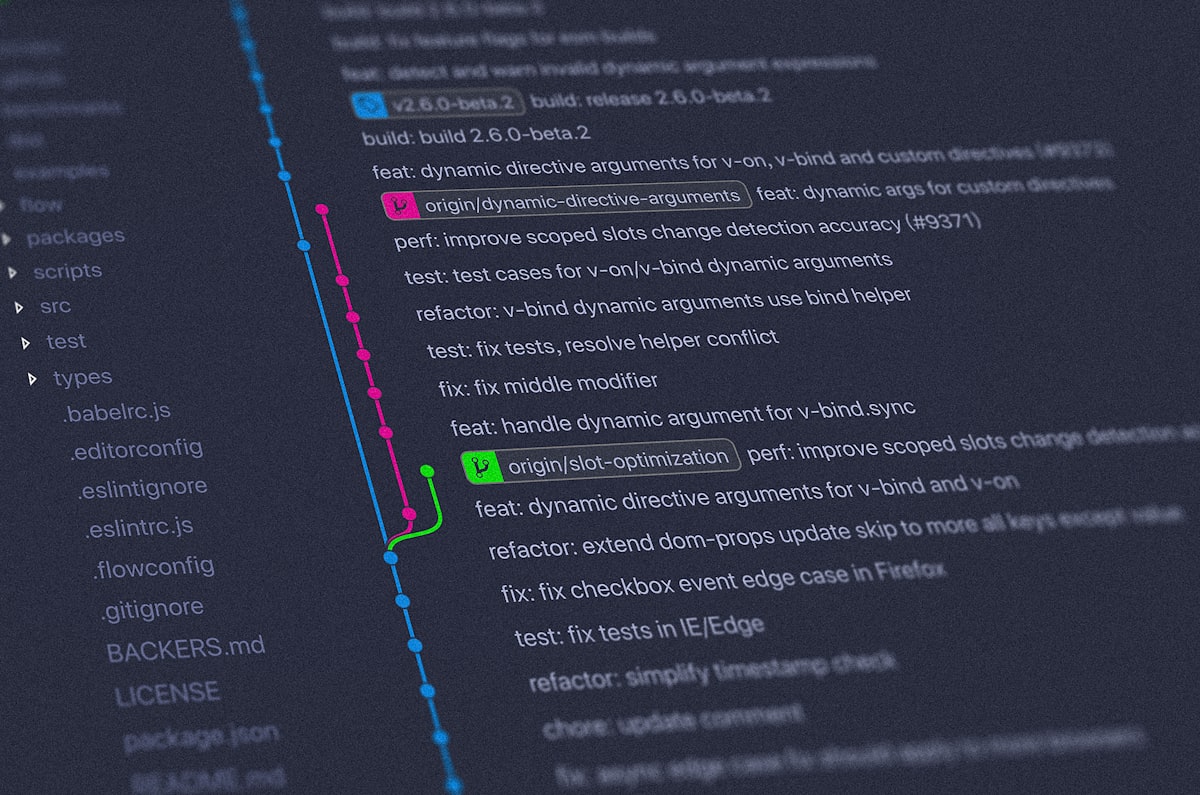
ตั้ง Gitea Git Server บน VPS ส่วนตัว
Gitea เป็น self-hosted Git service ที่ lightweight เขียนด้วย Go ใช้ RAM แค่ ~100MB แต่ฟีเจอร์ครบ: repository browser, pull request, issue tracker, CI/CD (Gitea Actions), และ web hooks เหมาะสำหรับทีมที่ต้องการ code repository บน server ตัวเองโดยไม่ต้องพึ่ง GitHub
ติดตั้ง Gitea
# สร้าง user สำหรับ Gitea
sudo adduser --system --group --shell /bin/bash --home /home/gitea gitea

# ดาวน์โหลด Gitea binary (ตรวจ version ล่าสุดที่ gitea.io/releases)
sudo wget -O /usr/local/bin/gitea \
  https://dl.gitea.com/gitea/1.22.0/gitea-1.22.0-linux-amd64
sudo chmod +x /usr/local/bin/gitea

# สร้าง directories
sudo mkdir -p /var/lib/gitea/{custom,data,log}
sudo chown -R gitea:gitea /var/lib/gitea
sudo mkdir /etc/gitea
sudo chown root:gitea /etc/gitea
sudo chmod 770 /etc/gitea
ตั้ง systemd Service
sudo nano /etc/systemd/system/gitea.service[Unit]
Description=Gitea
After=syslog.target
After=network.target
After=mysql.service
[Service]
Type=simple
User=gitea
Group=gitea
WorkingDirectory=/var/lib/gitea/
ExecStart=/usr/local/bin/gitea web --config /etc/gitea/app.ini
Restart=always
Environment=USER=gitea HOME=/home/gitea GITEA_WORK_DIR=/var/lib/gitea
[Install]
WantedBy=multi-user.targetsudo systemctl daemon-reload
sudo systemctl enable --now giteaตั้งค่าผ่าน Web Installer
เปิด browser ไปที่ http://YOUR_VPS_IP:3000 แล้วกรอกข้อมูล:
- Database: SQLite3 (เล็กง่าย) หรือ MySQL/PostgreSQL (สำหรับ production)
- Site URL:
https://git.yourdomain.com - Admin Username/Password
ตั้ง Nginx Reverse Proxy + SSL
sudo nano /etc/nginx/sites-available/giteaserver {
listen 80;
server_name git.yourdomain.com;
return 301 https://$host$request_uri;
}
server {
listen 443 ssl;
server_name git.yourdomain.com;
ssl_certificate /etc/letsencrypt/live/git.yourdomain.com/fullchain.pem;
ssl_certificate_key /etc/letsencrypt/live/git.yourdomain.com/privkey.pem;
location / {
proxy_pass http://localhost:3000;
proxy_set_header Host $host;
proxy_set_header X-Real-IP $remote_addr;
client_max_body_size 100M; # สำหรับ push repo ขนาดใหญ่
}
}sudo certbot --nginx -d git.yourdomain.com
sudo a2ensite gitea
sudo systemctl reload nginxSSH_PORT = 2222 ผู้ใช้จะ clone ด้วย git clone ssh://[email protected]:2222/user/repo.git
ตรวจสอบว่า Gitea ทำงานถูกต้อง
# ตรวจสถานะ service
systemctl status gitea

# ดู logs
journalctl -u gitea -n 50

# ตรวจ port รัน
ss -tlnp | grep 3000

# ทดสอบ git clone
git clone https://git.yourdomain.com/admin/test-repo.gitgitea dump -c /etc/gitea/app.ini จะสร้าง zip ที่ประกอบด้วย database + repositories + config ครบ
แก้ปัญหาที่พบบ่อย
ติดตั้งแล้วเข้า port 3000 ไม่ได้
Firewall อาจ block port 3000 หรือ Gitea bind localhost เท่านั้น:
# เปิด port ชั่วคราวเพื่อ setup
sudo ufw allow 3000/tcp

# หลัง setup เสร็จ ปิด port 3000 และใช้ Nginx proxy แทน
sudo ufw delete allow 3000/tcp
git push ล้มเหลว — "repository does not exist"
ตรวจว่า remote URL ถูกต้องและ user มีสิทธิ์ push:
# ตรวจ remote URL
git remote -v

# ตั้ง URL ใหม่ถ้าผิด
git remote set-url origin https://git.yourdomain.com/username/repo.git
หน้าเว็บโหลดช้ามากตอน first load
Gitea binary ถูก swap ออก RAM ให้เพิ่ม memory หรือ resize swap:
# ดูว่า Gitea ถูก swap ออกไหม
sudo cat /proc/$(pgrep gitea)/status | grep VmSwap

# เพิ่ม RAM หรือเพิ่ม swap
# ดูบทความ swap memory บน VPS
Web hook ไม่ทำงานเมื่อ push
Gitea block webhook ไปยัง localhost โดย default เพื่อความปลอดภัย ต้องเปิดใน config:
sudo nano /etc/gitea/app.ini

[webhook]
ALLOWED_HOST_LIST = external, loopback, private  # เปิด loopback สำหรับ local webhook
คำถามที่พบบ่อย
Gitea กับ GitLab ต่างกันอย่างไร ควรใช้อะไร?
GitLab ฟีเจอร์ครบมากกว่า (CI/CD ในตัว, container registry, security scanning) แต่ต้องการ RAM 4GB+ Gitea เบากว่ามาก (RAM ~100-200MB) เหมาะกับ VPS เล็กหรือทีมที่ไม่ต้องการ GitLab ทั้งระบบ ถ้าต้องการเฉพาะ Git hosting + PR + basic CI ใช้ Gitea ดีกว่า
Gitea รองรับ GitHub Actions ได้ไหม?
Gitea มี Gitea Actions ที่ compatible กับ GitHub Actions syntax คร่าวๆ workflow ที่เขียนสำหรับ GitHub Actions ส่วนใหญ่ run บน Gitea ได้โดยแก้น้อยมาก ต้องติดตั้ง act runner แยกด้วย
Migrate repo จาก GitHub มา Gitea ได้อย่างไร?
ทำได้ผ่าน UI: Explore → + → Migrate External Git → เลือก GitHub → ใส่ token และ repo URL Gitea จะ clone ทั้ง commits, branches, issues, pull requests, labels มาให้